
Time tracking for your virtual assistant You hired a virtual assistant. Now know how the day went.
You hired one assistant overseas. You don't want to watch a screen all day. You want to know, by tomorrow morning, how yesterday went.
- No minimum
- one agent is fine
- Price
- $9.99 a month per agent
- Day story
- every morning
Paul's day, in short
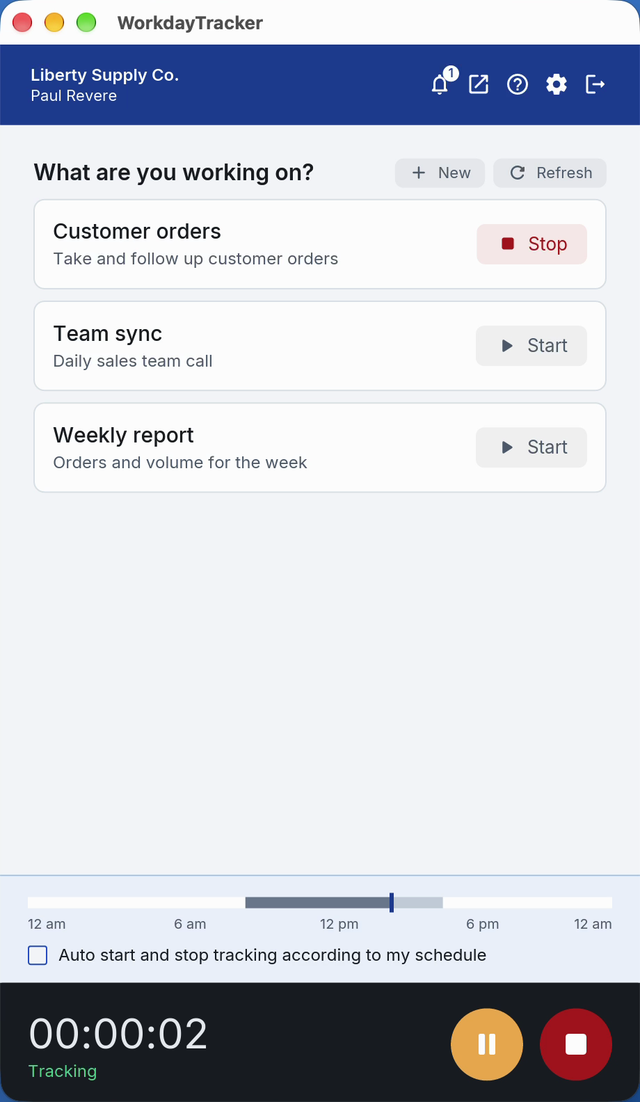
AI day story · 5:12 pmCustomer orders most of the morning, the team sync at eleven, the weekly report in Excel after lunch. 24 minutes idle. Nothing flagged.
The day, in a few lines
The story of your assistant's day, written by the AI: what was done, in which tools and for how long. Open the day itself only if you want to.
Deborah's day
AI day story · 1 min listenHours you can pay from
Approve the week in one go and send the hours to Wise or Deel. No spreadsheet, no screenshot folders.
Timesheet approval
Paul Revere · 5 to 11 OctoberFair to your assistant
The reading comes from the work, not from keeping a mouse moving. A good day speaks for itself, so you ask fewer questions and your assistant gets on with the job. They can pause the app when they step away.
Questions
Can I see what my virtual assistant is working on?
Yes. You get a short story of each day and the hours worked, with the screenshots behind it when you want a closer look.
Is there a minimum?
No. One agent is fine.
Does my assistant need to install something?
The desktop app. Installing takes a minute, and they sign in with their own account. Their computer needs to meet these requirements.
- Operating system: macOS 11 or later, Windows 10 or 11 (64-bit), or Linux (64-bit, Ubuntu 24.04 or newer)
- Processor: Intel Core i3, AMD Ryzen 3, Apple M1, or better
- Memory: 4 GB
- Disk space: 500 MB free
- Internet: needed to upload, and recording continues without it
See a manager's morning with it.
A 20-minute demo, then a free two-week pilot with your own agents.